Modding
Learn how to mod Ostranauts: most game data is in plain-text files for easy editing, ship editor import/export, and community resources.
Introduction
Ostranauts has extensive modding support with most game data in plain-text files for easy editing. Players can import ships between save files and the ship editor, and make ships appear for sale or as derelicts in the boneyard. The main limitation is adding custom locations which is restricted by assembly constraints. Community mods include a Russian localization with optimization. Join the Blue Bottle Games Discord for the modding channel to share ideas and learn from experienced modders.
Modding Capabilities
| Feature | Status | Detail |
|---|---|---|
| Plain-text data | Full | Most game data editable as text files |
| Ship editor | Full | Import/export ships between saves |
| Custom locations | Limited | Restricted by assembly constraints |
| Item IDs | No check | No uniqueness checking for conflicts |
| Community mods | Growing | Russian localization, Discord channel |
Modding Features
Plain-Text Data
Most game data in text files for easy editing; wide variety of data modifiable
Ship Editor Import/Export
Import ships between save files and editor; make ships appear for sale or as derelicts
Limitations
Custom locations restricted; no item ID uniqueness checking for conflict prevention
Ship Import/Export
Import ships between save files and editor; make custom ships appear for sale or as derelicts
Item ID Conflicts
No uniqueness checking for item IDs — mods may clash with each other or base game
Core Mechanics
Most Ostranauts game data exists in plain-text files for easy editing, making it highly moddable. The ship editor supports import and export between save files, allowing custom ships to appear for sale or as derelicts in the boneyard. The main limitation is adding custom locations, which is restricted by assembly constraints. There is also no item ID uniqueness checking system, meaning mods may conflict with each other. Community mods include a Russian localization with optimization. Join the Blue Bottle Games Discord for the modding channel to share ideas and learn from experienced modders.
Advantages
Plain-text data files make modding accessible to anyone without programming knowledge. The ship editor import/export system enables sharing custom ship designs. The active Discord community provides modding support and collaboration opportunities. The game's modular architecture means most data can be modified independently. Russian localization mod demonstrates that significant content modifications are feasible.
Challenges
Adding custom locations is severely restricted by assembly limitations, preventing modders from creating new stations or destinations. There is no item ID uniqueness checking, meaning different mods may create conflicting items with the same IDs. The modding community is relatively small compared to more popular games. There is no Steam Workshop integration for easy mod distribution. Documentation for modding is limited to community Discord knowledge. Complex modifications may break with game updates.
Frequently Asked Questions
How do I start modding Ostranauts?+
What are the modding limitations?+
Can I make custom ships appear in the boneyard?+
Quick Tips
Most game data is in plain-text files — edit with any text editor, no programming required
Use the ship editor to import/export custom ship designs between save files
Make custom ships appear as derelicts or for sale by editing game data files
Adding custom locations is restricted — this is the main modding limitation
Join Blue Bottle Games Discord for the modding channel — community support and idea sharing
Featured
Ostranauts Modding Tutorial: Build and Install Your First Mod
Learn the essentials of this Ostranauts modding tutorial, from setting up files and tools to installing, testing, and publishing your first mod for the game.
Ostranauts Create a Mod: Beginner's Modding Guide 2026
Learn how to create a mod for Ostranauts with this step-by-step beginner guide covering JSON file structure, Steam Workshop publishing, and debugging tips.
Ostranauts Mod Installation: A Complete Step-by-Step Guide
Step-by-step Ostranauts mod installation guide covering file paths, Steam Workshop setup, manual folders, and fixes for the most common load-order errors.
All Articles
Ostranauts How to Mod: Step-by-Step Modding Tutorial
Learn Ostranauts how to mod from scratch — install the mod loader, locate game folders, enable .json patches, and troubleshoot load order conflicts.
Ostranauts Modding Guide: Install, Create & Troubleshoot
Complete Ostranauts modding guide covering Steam Workshop installs, manual JSON edits, top community mods, custom part creation, and fix common errors.
Ostranauts Modding Tools: Essential Toolkit for Creators
Discover the best Ostranauts modding tools for editing JSON data files, textures, and audio. Complete setup guide for beginner and advanced creators.
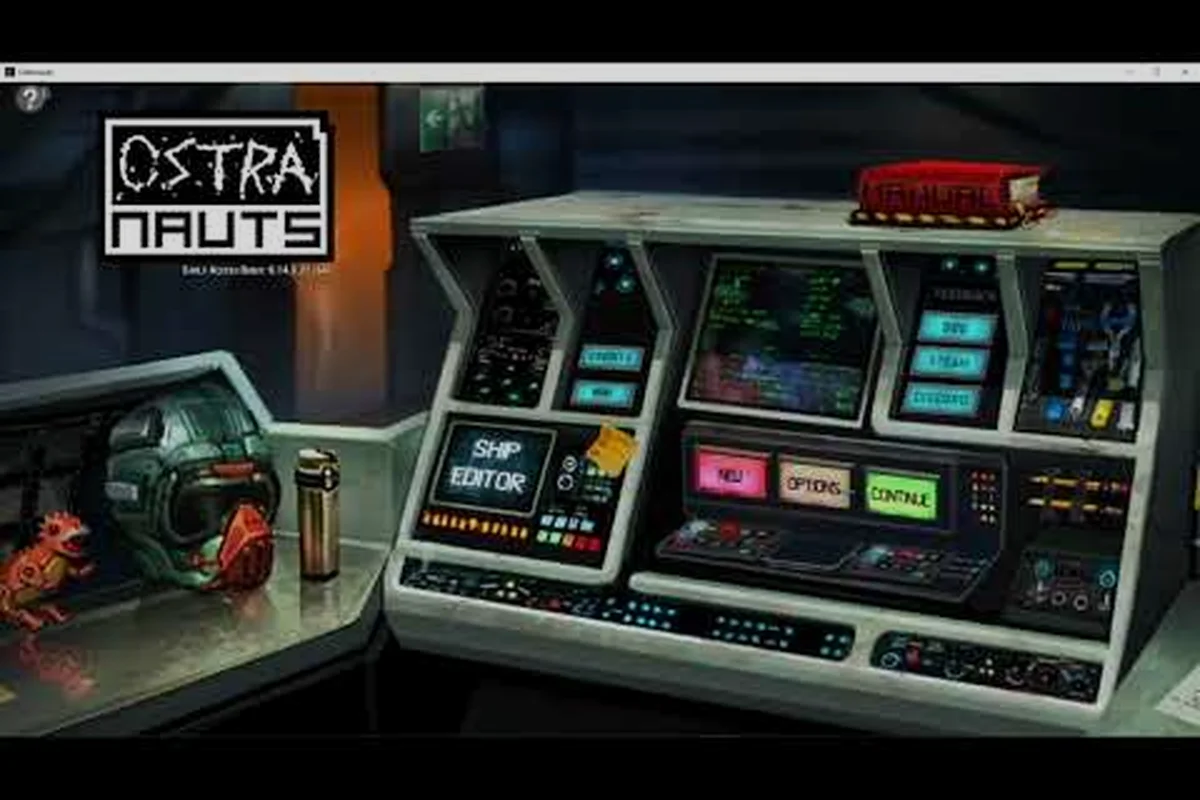
Ostranauts Plain Text Data Editing: Complete Modder Guide
Learn Ostranauts plain text data editing the right way. This guide covers file locations, safe editing workflows, common mistakes, and proven modder tips.
Ostranauts Modding Data Files: The Complete Guide
Master Ostranauts modding data files with this in-depth guide. Learn file structure, plain text editing, common tweaks, and mod compatibility tips.