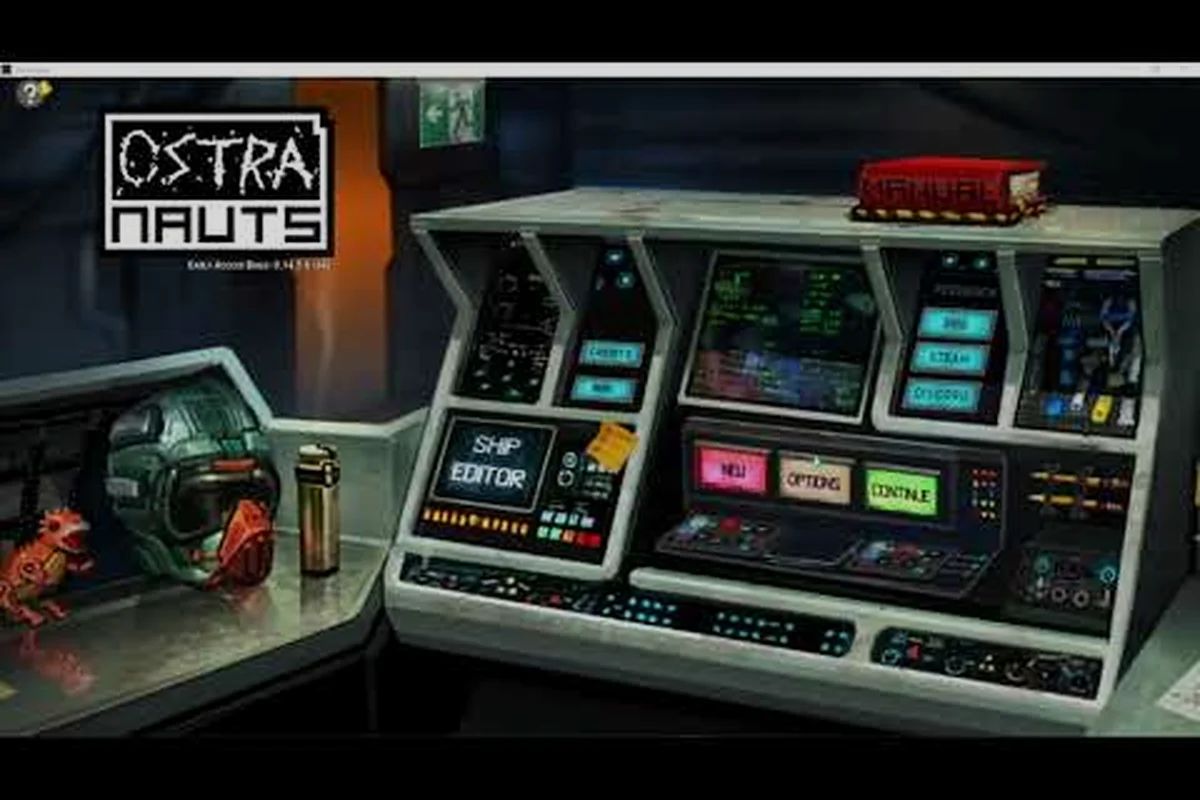
Ostranauts mod installation is one of the most searched topics now that the 1.0 build shipped, because the game arrives with full pure-text mod support that almost anyone can extend in under ten minutes. Available right now on the Ostranauts Steam store page for the launch price of $15.99, the title is one of the few hardcore sims that treats its data files as a public API rather than a locked archive. If you have ever wanted to drop in new ships, retune the economy, or rewrite crew AI behavior without touching the engine, this guide shows you exactly where files go and how to confirm the mod actually loaded.
How Ostranauts Modding Works Under the Hood
Blue Bottle Games designed the title to be readable from the outside in, which is unusual for a hardcore space-sim. Almost every gameplay value, ship part definition, and NPC personality rule lives in plain .json and .txt files inside the install directory, and the loader reads those files at startup before any rendering happens. That means a mod is just a folder of override files that the game prefers over the originals, and you do not need a separate mod manager to install one.
This design choice has two consequences that matter to anyone approaching Ostranauts mod installation for the first time. First, because there is no compiled binary layer, badly written mods rarely corrupt your save; they fail to load and the game boots with the default data instead, which is why community testing almost never produces the kind of soft-lock issues you see in modded Bethesda titles. Second, the same openness means a mod you install in 2026 can keep working across multiple version bumps, because the file format is stable enough that authors rarely need to touch their mods after publishing.
What Mods Can Change
The community has stabilized around a handful of categories that cover roughly 90 percent of all published mods, and understanding which bucket a mod falls into tells you where its files should go and which overrides it will touch on disk. The table below is reconstructed from patterns reported by players on the official Ostranauts wiki, and most modders follow this same layout so that loaders do not have to guess where to read from.
| Category | Typical File Targets | Common Examples |
|---|---|---|
| Ship Parts & Modules | data/ships/, data/parts/ | Extra engines, cargo pods, cockpit variants |
| Economy & Pricing | data/economy/, data/trade/ | Rebalanced shop stock, new commodities |
| NPCs & Crew AI | data/npcs/, data/ai/ | New hireable crew, smarter pathfinding |
| Lore & Events | data/events/, text/ | New distress calls, custom story triggers |
| Quality of Life | data/ui/, data/settings/ | Inventory filters, auto-sort, faster menus |
If you are new to modding in general, the Ostranauts beginner guide covers the underlying game systems these mods actually touch, which makes the transition from "I play the game" to "I mod the game" much smoother.
Why Pure-Text Mods Matter
Most simulation games hide their data in proprietary archives that require community-built unpackers, and that single design choice is why modding scenes for those titles tend to stay small. Ostranauts took the opposite path, and the result is a modding community that has been shipping functional content even while the game was in Early Access. You will sometimes see this approach called "open data" modding on the developer's Discord, and it is the biggest reason a 2026 player can install quality-of-life mods that were first written in 2022 without any compatibility patches.
If you are interested in eventually writing your own tweaks rather than just consuming them, the wiki entry on how to mod Ostranauts walks through the same data folders in a creator-first order, so it reads naturally as a follow-up to the install process.
Preparing Your System for Ostranauts Mod Installation
The single biggest reason mods appear to "not work" is that the player dropped them in the wrong folder or into a folder the Steam overlay is hiding, which is why spending five minutes on prep prevents ninety percent of the troubleshooting threads on the community Discord. Treat the prep steps below as a checklist you run before any new install, even if you are only adding a single small mod.
Backup Your Save Files
Before you touch anything in the install directory, copy the entire saves folder to a safe location outside the game tree. On Windows the default path is C:\Users\<you>\AppData\LocalLow\Blue Bottle Games\Ostranauts\saves, while on Linux the Proton prefix puts the same folder under ~/.steam/steam/steamapps/compatdata/1022980/pfx/drive_c/users/steamuser/..., and the exact subpath can shift between Proton versions.
A clean backup means you can blow away your install, reinstall a mod, and reload a known-good save without losing your loan progress or crew relationships. The 1.0 release on August 3, 2026 also reset some achievement flags, so the backup doubles as proof of pre-1.0 progress if you ever need to dispute a sync issue with Steam Cloud.
Verify Game Files on Steam
Right-click the title in your Steam library, choose Properties, then Installed Files, then Verify integrity of game files. This step re-downloads any original file a mod may have overwritten in place, which is the standard recovery path when a manual mod installation went sideways and the game refuses to launch. It does not delete your Mods folder, but it does reset anything inside data/ that was not placed inside a separate subfolder, so treat the verify button as a "factory reset" for the base game data only.
Locate the Mods Folder
By convention, every mod lives inside a top-level Mods directory that sits next to the main executable, and the loader scans that folder alphabetically at launch. The exact path differs by platform, and the table below is the version the community has converged on as of v1.0.0.7.
| Platform | Default Mods Path |
|---|---|
| Windows (Steam) | C:\Program Files (x86)\Steam\steamapps\common\Ostranauts\Mods\ |
| Windows (Standalone) | C:\Program Files\Blue Bottle Games\Ostranauts\Mods\ |
| Linux (Proton) | ~/.steam/steam/steamapps/common/Ostranauts/Mods/ |
| macOS (legacy) | ~/Library/Application Support/Ostranauts/Mods\ |
If the Mods folder does not exist yet, you can safely create it yourself; the loader will recognize it on the next launch as long as the capitalization matches exactly. Players have reported that lowercase mods works on Windows but fails silently on some Linux Proton builds, which is why the capitalized form is the safer default across every platform.
The Actual Ostranauts Mod Installation Walkthrough
There are two supported routes for Ostranauts mod installation, and you can mix them freely inside the same Mods folder because the loader treats them as one merged list at startup. The Steam Workshop route is faster and self-updating, while the manual drop-in route gives you total control over file placement and is the only option for mods that are not yet published to the workshop.
Subscribing via Steam Workshop
The workshop is integrated directly into the Steam client, so the flow is identical to subscribing to a Workshop item for any other title. Once you have subscribed, the workshop service downloads the mod into a managed directory and the game picks it up automatically on the next launch.
- Open the Ostranauts Steam Workshop page in your browser or in the Steam client overlay.
- Pick a mod and click Subscribe. Steam downloads the files in the background, and you can watch the progress under your Downloads list until it drops to zero.
- Launch the game once so the loader reads the new files, and watch for the mod name to scroll past during the loading screen if the install succeeded.
- Quit, then relaunch, because some mods only register their UI hooks on the second pass once the first launch has built the cache.
This route is the easiest Ostranauts mod installation path for first-time users, but it has one trade-off: Steam controls the file location, so if you want to edit a file for testing you have to mark it read-only or Steam will silently overwrite your change on the next sync.
Manual Drop-In Method
Manual Ostranauts mod installation is the method most veteran modders prefer because it survives game updates and Steam Cloud sync conflicts. The idea is simple: you create one folder per mod inside Mods/, drop the mod's files into that folder, and the loader merges them on top of the base data when the game next starts.
- Download the mod archive from the author's page, Nexus, or community Discord channel, and pause to check the file size matches what the author posted.
- Extract the archive somewhere temporary and look for a folder named after the mod, not a flat list of
.jsonfiles sitting at the root of the zip. - Copy that folder into the
Modsdirectory you located earlier, and double-check that you are not nesting it inside another mod's folder by accident. - Launch the game and watch the loading screen for the mod's name. If it shows up, the install succeeded and the override files are being read at startup.
The order in which you copy folders matters because the loader reads alphabetically, which means Mods/A_NewShips/ will always load before Mods/Z_Overrides/. When two mods touch the same file, the later one wins, so naming your highest-priority mod with a Z_ prefix is a common community trick that surfaces in every Discord help thread.
Confirming the Mod Loaded
The in-game mod list is the only reliable confirmation, but it is not always easy to find on a fresh install because the menu was reorganized for the 1.0 launch. Open the Options menu, then the Mods tab, and you should see every active mod listed with its internal version string. If your mod is missing, the most common cause is a folder-name mismatch; the mod's mod.json declares a unique ID, and the folder on disk must match that ID exactly, including case.
Players also report that the loading screen log can be opened manually by adding -log to the launch options, which is the fastest way to see which files the loader actually tried to read during Ostranauts mod installation. The log is verbose, but searching it for your mod's folder name will tell you within seconds whether the install path was correct and whether any required dependencies were skipped.
Where to Find Trusted Ostranauts Mods
The community has self-organized around three primary sources, and each one has different strengths depending on what you are trying to install. Treat the table below as a quick reference rather than a strict ranking, because the "best" source depends entirely on the mod category you are shopping for.
| Source | Strength | Weakness | Best For |
|---|---|---|---|
| Steam Workshop | One-click install, auto-updates | Cannot edit files in place | New players, small QoL mods |
| Nexus Mods | Massive catalog, version history | Requires free account | Large overhauls, balance mods |
| Discord #mod-releases | Bleeding-edge builds, dev contact | Ephemeral links, no rollback | Beta testers, hardcore modders |
The Steam Workshop is also where you will find mods that touch multiplayer-adjacent systems, because the workshop's permission system is the only one Blue Bottle has officially blessed for online play. The community Discord, by contrast, is where authors post experimental patches that have not yet been approved for the workshop, so it is the right place to be if you want to help test a mod before it goes public and get your name into the credits.
If you want to move past just installing mods and start authoring them, the Ostranauts create a mod walkthrough picks up exactly where the install guide leaves off, and it assumes you have already completed a successful Ostranauts mod installation at least once so the two pages read well as a pair.
Troubleshooting Ostranauts Mod Installation Errors
Even with a perfect install, the loader has a few well-known failure modes that show up repeatedly in community help threads. Most of them are caused by file overwrites rather than the mod itself, which is why the fix is almost always to remove or reorder the offender rather than to dig into the mod's internals and patch it by hand.
Mod Doesn't Appear In-Game
The most common cause is that the mod's folder is nested one level