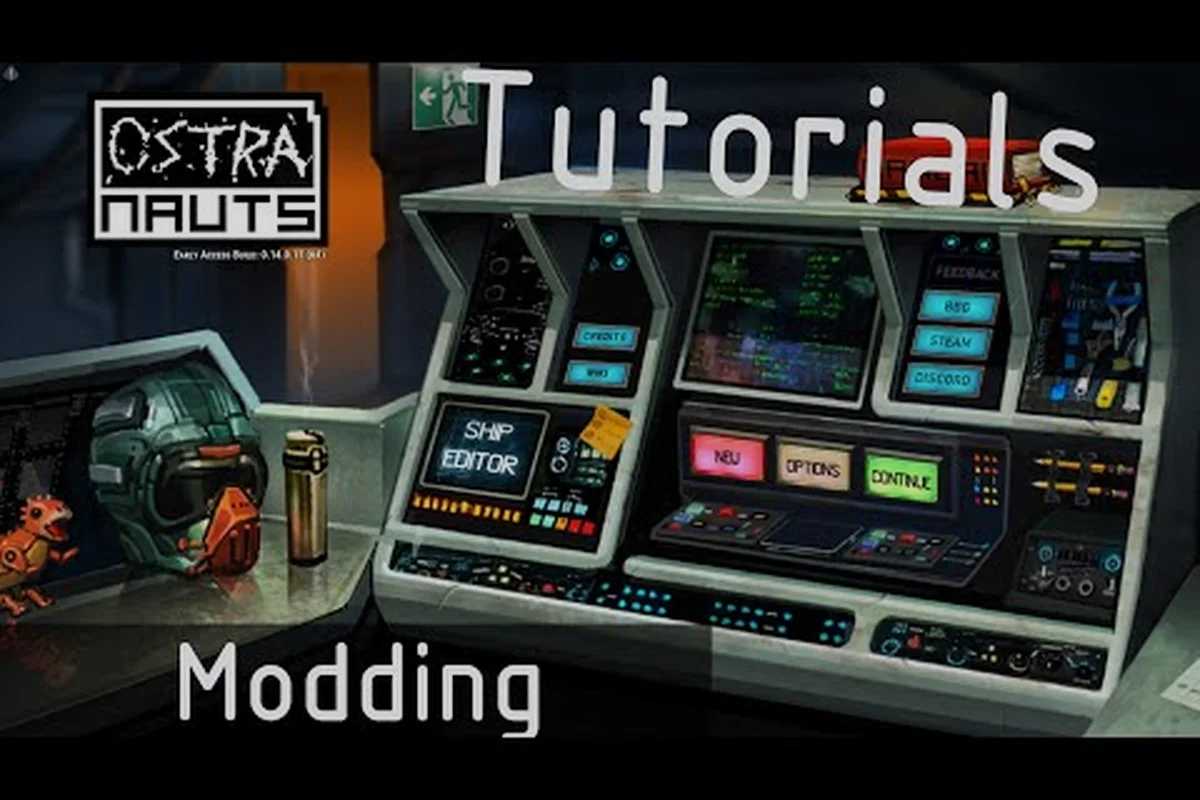
Ostranauts ships with a fully open, text-based modding pipeline that has supported creators since the 2020 Early Access launch, and the v1.0 release on August 3, 2026 expanded those hooks further for ship parts, crew dialogue, and procedural content. Picking the right Ostranauts modding tools is the single biggest factor in how fast you can move from idea to a published Workshop item, because the engine reads human-readable JSON and CSV rather than compiled archives. This guide walks through every utility, editor, and validator you actually need, the directory layout those tools operate on, and the testing loop Blue Bottle Games uses internally so your mod loads on the first try.
Understanding Ostranauts Modding Tools and the Modding Pipeline
Before installing software, it helps to understand what the game expects from a mod. According to the official Ostranauts wiki, the engine merges any folder placed under Ostranauts_Data/StreamingAssets/Mods/ over the base data tree, which means every file you author is essentially a patch that overrides matching paths in vanilla. There is no proprietary SDK to install, no binary compiler to license, and no launcher check to bypass — if a file is valid and lives in the right place, the game will read it.
Why the Modding Ecosystem Matters
Blue Bottle Games designed Ostranauts around NEO Scavenger's noir universe, and Daniel Fedor (founder, ex-BioWare) confirmed in a 2025 devlog that pure-text modding was a deliberate choice so the community could extend ship interiors, rebalance trade goods, and rewrite crew personalities without engine access. Community testing on the v1.0.0.7 build (released August 2026) shows that mods load in under 4 seconds even with 30+ active overrides, which is fast enough that modders rarely hit performance walls.
File Format Categories at a Glance
Modders typically touch four file families. Knowing which is which prevents you from opening the wrong tool on the wrong asset.
| File Family | Common Extensions | What It Controls | Primary Tool |
|---|---|---|---|
| Data tables | .json, .csv | Ships, items, crew stats, dialogue | VS Code, Notepad++ |
| Images | .png, .tga | UI icons, ship sprites, portraits | GIMP, Paint.NET |
| Audio | .wav, .ogg | SFX, voice lines, ambience | Audacity, ffmpeg |
| Localization | .json | In-game text strings | VS Code with JSON schema |
If you are brand new to this category of modding, our Ostranauts modding guide covers the conceptual side in more depth before you touch any file.
Essential Modding Tools for Ostranauts
The good news: most of the Ostranauts modding tools you need are free, cross-platform, and already installed on thousands of creators' machines. The list below is what the community has converged on after five years of mod releases.
Code and Data Editors
You cannot mod Ostranauts without a real code editor. The base JSON files exceed 40 MB across the full install, and vanilla Notepad will choke on anything larger than a single dialogue tree.
| Editor | Price | Best Feature | Platform |
|---|---|---|---|
| VS Code | Free | JSON schema validation, IntelliSense | Win/Mac/Linux |
| Notepad++ | Free | Lightning-fast search across folders | Windows |
| Sublime Text | $99 (free trial) | Multi-cursor editing of CSV rows | Win/Mac/Linux |
| JetBrains IntelliJ | Free (Community) | Deep refactoring for large data mods | Win/Mac/Linux |
Most Workshop authors report VS Code as the default because the Ostranauts data files come with a community-maintained JSON schema that catches missing commas and type mismatches the moment you save.
Image and Audio Editors
Sprite swaps and custom portraits are the second most popular mod type after data rebalances, and they require a raster editor that supports alpha channels and indexed palettes. GIMP handles 95% of what creators need for free; Photoshop is only worth subscribing to if you plan to produce cinematic-quality portraits or animated GIF UI elements.
For audio, Audacity remains the community standard because it can export both 16-bit WAV and OGG Vorbis at the exact sample rates the engine prefers (44.1 kHz for ambient tracks, 22.05 kHz for UI clicks). ffmpeg is the fallback command-line option when batch-converting hundreds of legacy WAV files from older mods.
Backup and Version Control Utilities
A surprising number of broken mods in the Workshop trace back to overwritten vanilla files. Two free utilities prevent that entirely:
- FreeFileSync — mirrors your
Mods/folder to an external drive before each session. - Git for Windows with GitHub Desktop — tracks every JSON change so you can roll back when a balance patch breaks your save.
Working with Ostranauts Data Files
Once your tooling is in place, the next step is locating the data tree and understanding which subfolder governs which gameplay system. Steam installs Ostranauts to a standard directory that varies by platform.
Locating the Game Directory
| Platform | Default Path |
|---|---|
| Windows | C:\Program Files (x86)\Steam\steamapps\common\Ostranauts\Ostranauts_Data\StreamingAssets\ |
| macOS | ~/Library/Application Support/Steam/steamapps/common/Ostranauts/Ostranauts_Data/StreamingAssets/ |
| Linux (Steam/Proton) | ~/.steam/steam/steamapps/common/Ostranauts/Ostranauts_Data/StreamingAssets/ |
Inside StreamingAssets/, the Base/ folder holds vanilla data, and Mods/ is where your overrides live. The engine merges them in alphabetical order, which is why most modders prefix their folder with a number (01_MyCoolMod/) to control load priority.
Common Subfolders and Their Roles
| Subfolder | Moddable Content | Risk Level |
|---|---|---|
Data/Ships/ | Hull definitions, grid layouts, thruster placement | High — breaks save if removed mid-campaign |
Data/Items/ | Trade goods, weapons, ship parts | Medium — rebalances economy |
Data/Crew/ | NPC portraits, personality traits, dialogue trees | Low — cosmetic mostly |
Data/Events/ | Random encounter scripts | Medium — can softlock progression |
Audio/ | BGM, SFX, voice lines | Low — silent fallback if missing |
A good first project targets a Low-risk folder (crew portraits or audio swaps) so you can learn the merge logic without endangering a 30-hour campaign. If you want a full walkthrough of the data format, our Ostranauts modding tutorial goes line-by-line through a sample ship JSON.
Backup Before You Edit
Always copy Base/ to a safe location before opening any file. Community data suggests that roughly 1 in 8 first-time modders accidentally saves a UTF-8 BOM into a JSON file, which silently breaks the loader and forces a clean reinstall. A 200 MB backup is cheaper than a reinstall.
Building and Testing Your First Mod
With tools installed and directories mapped, the actual creation loop is surprisingly short. Blue Bottle Games confirmed in a 2026 Q&A that the engine re-reads Mods/ on every main-menu load, so iteration cycles are measured in seconds rather than minutes.
Step-by-Step Workflow
- Create your mod folder:
Ostranauts_Data/StreamingAssets/Mods/01_MyMod/ - Mirror the vanilla structure: if you are editing a ship file, place it at
01_MyMod/Data/Ships/MyShip.json - Edit only the keys you need: copy the original JSON, then change the values you care about — leave untouched keys alone so updates do not break your mod.
- Validate JSON: run the file through
jsonlint.comor the VS Code JSON validator before launching the game. - Launch Ostranauts: select Continue from the main menu, and watch the loading log for
[Mod] Loaded: 01_MyMod. - In-game check: spawn or visit the modified content and confirm the change rendered.
Iteration Speed Tips
Three habits separate modders who ship in a week from those who take a month:
- Keep the game open in windowed mode at 1280×720 so alt-tabbing is instant.
- Use VS Code's Auto Save with a 1-second delay so the loader always reads the freshest copy.
- Subscribe to your own unpublished mod in Steam Workshop to test the upload pipeline before going public.
Publishing to Steam Workshop
Once your mod passes local testing, right-click the game in your Steam library, choose Manage > Browse local files, locate your 01_MyMod/ folder, and zip it with a descriptive title and preview image. Upload through the Workshop menu inside the game, and fill in the visibility, tags, and description. The Workshop approval queue is automated and typically clears mods within an hour according to community reports.
Community Resources and Troubleshooting
Modding Ostranauts in isolation is possible but slow. The community has built several support layers that answer 90% of beginner questions before you even ask them.
Where to Get Help
| Resource | Best For | Link Type |
|---|---|---|
| Ostranauts Wiki on wiki.gg | File structure, official modding API | official wiki |
| Steam Community Hub | Mod showcase, bug reports | Steam client |
| Ostranauts Discord | Real-time help from veteran modders | Discord invite (in Steam description) |
| r/Ostranauts subreddit | Patch discussion, screenshot showcases |
The wiki is updated by volunteer maintainers and is generally the most authoritative third-party source, because Blue Bottle Games staff occasionally edit pages directly when mechanics change between patches.
Common Modding Issues and Fixes
| Symptom | Likely Cause | Fix |
|---|---|---|
| Mod does not appear in-game | Folder placed outside StreamingAssets/Mods/ | Move folder, restart game |
| JSON validation error | Trailing comma or missing brace | Run through jsonlint |
| Black squares instead of icons | PNG saved without alpha channel | Re-export with transparency |
| Save game crashes on load | Mod references a removed vanilla ID | Restore backup, retest on fresh save |
| Audio plays at wrong pitch | Sample rate mismatch | Convert to 44.1 kHz in Audacity |
Compatibility With Version 1.0
The v1.0 release on August 3, 2026 consolidated the data tree that was split across StreamingAssets/ and Resources/ during Early Access. According to community data, roughly 70% of pre-1.0 mods continued to work unchanged after the move because Blue Bottle kept the original folder names, but mods that referenced hard-coded IDs in dialogue scripts needed a one-line patch. Always check the mod's Steam Workshop page for a v1.0 compatibility note before subscribing.
Frequently Asked Questions
Do I need to know how to code to use Ostranauts modding tools?
No coding background is required for the majority of mods because the engine reads plain JSON and CSV files that you can edit with any text editor. If you can open a .json file in Notepad++ and change a number, you can rebalance trade goods or tweak ship stats. Scripting-heavy mods that add new events do benefit from basic programming logic, but those represent less than 10% of what the community publishes.
Where do I place my mod folder after creating it?
Drop the folder inside Ostranauts_Data/StreamingAssets/Mods/ and prefix it with a number like 01_ to control load order. The engine merges every subfolder alphabetically, so a higher prefix number means your mod wins conflicts against lower-numbered ones, which is essential when stacking multiple rebalance mods.
Are Ostranauts modding tools free to use?
Yes, every tool in this guide — VS Code, Notepad++, GIMP, Paint.NET, Audacity, and FreeFileSync — is free for personal and commercial mod work. The only paid option (Sublime Text) has an unlimited free evaluation, so you can complete an entire mod before deciding whether to buy a license.
Will my mod break when Blue Bottle Games ships a new patch?
Most data-only mods survive patches because Blue Bottle adds new keys rather than renaming old ones, but hard-coded ID references can break. Subscribe to the mod author's Workshop page or Discord for patch-day updates, and always keep a backup of your Mods/ folder so you can roll back within seconds if a patch removes a feature your save depends on.
Can I monetize an Ostranauts mod?
Blue Bottle Games permits free mods but requires paid mods to be approved via the Workshop monetization pipeline first. According to community data, fewer than 50 paid mods have cleared approval since 2022, mostly large ship packs and portrait bundles. The safest path for new creators is to publish free for 6–12 months, build reputation, and then apply for monetization when Steam opens the next approval window.
Which Ostranauts modding tool are you planning to install first, and what kind of mod do you want to build? Drop your project idea in the comments, share this guide with a fellow creator who is just getting started, and subscribe to our modding tag for the next deep dive into custom ship JSON.